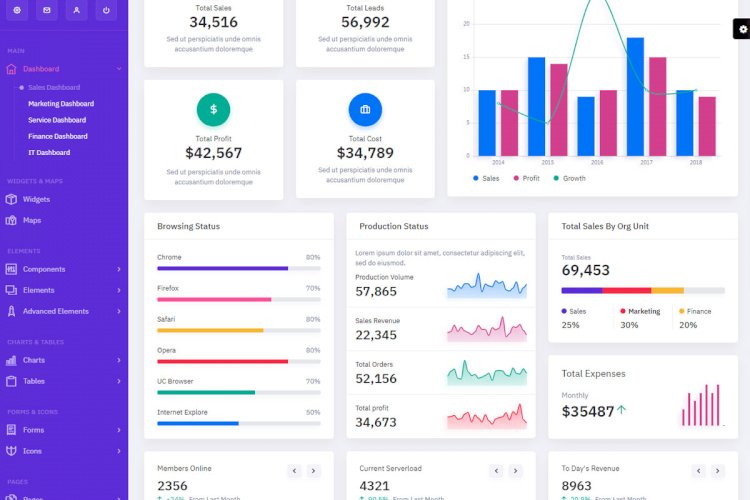
An admin dashboard template gives a web application its back-office interface out of the box — navigation, tables, forms, charts and cards — so you can focus on features instead of rebuilding UI. This template targets the Laravel framework using Blade layouts and Bootstrap.
What a good admin template provides
- Reusable Blade master layouts
- Multiple dashboard variants (sales, finance, IT, etc.)
- Tables, calendars, charts and advanced form elements
- A consistent, responsive design
Why build on Laravel + Blade
Blade’s layout inheritance lets you define a master shell once and extend it on every page, so navigation and styling stay consistent automatically. Combined with Bootstrap components, you get a maintainable admin UI without copying markup around.
How to customise it
Treat the template as a starting layout: drop your controllers and models behind its pages, and theme it by editing shared partials rather than individual screens.
What you’ll learn
Blade layout inheritance, structuring a reusable admin UI, and wiring a front-end template to Laravel routes and controllers.
Frequently asked questions
Which Laravel versions does this suit?
The Blade-layout approach works across modern Laravel versions; adjust syntax to match the version you target.
Can I use it for a public site too?
Yes — keep the admin layout for the back office and add a separate, lighter layout for public pages.
A note on using this project
Use this Laravel/Bootstrap project as a learning reference: read the code, run it locally, and adapt it to your own requirements rather than deploying it unchanged. If you reuse third-party components, check their licences first.