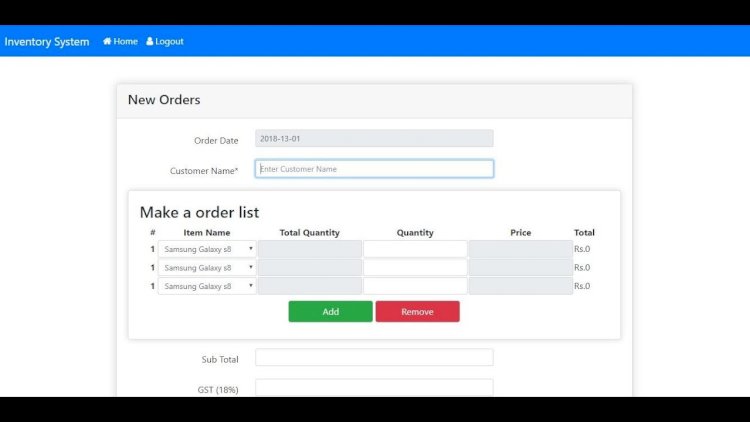
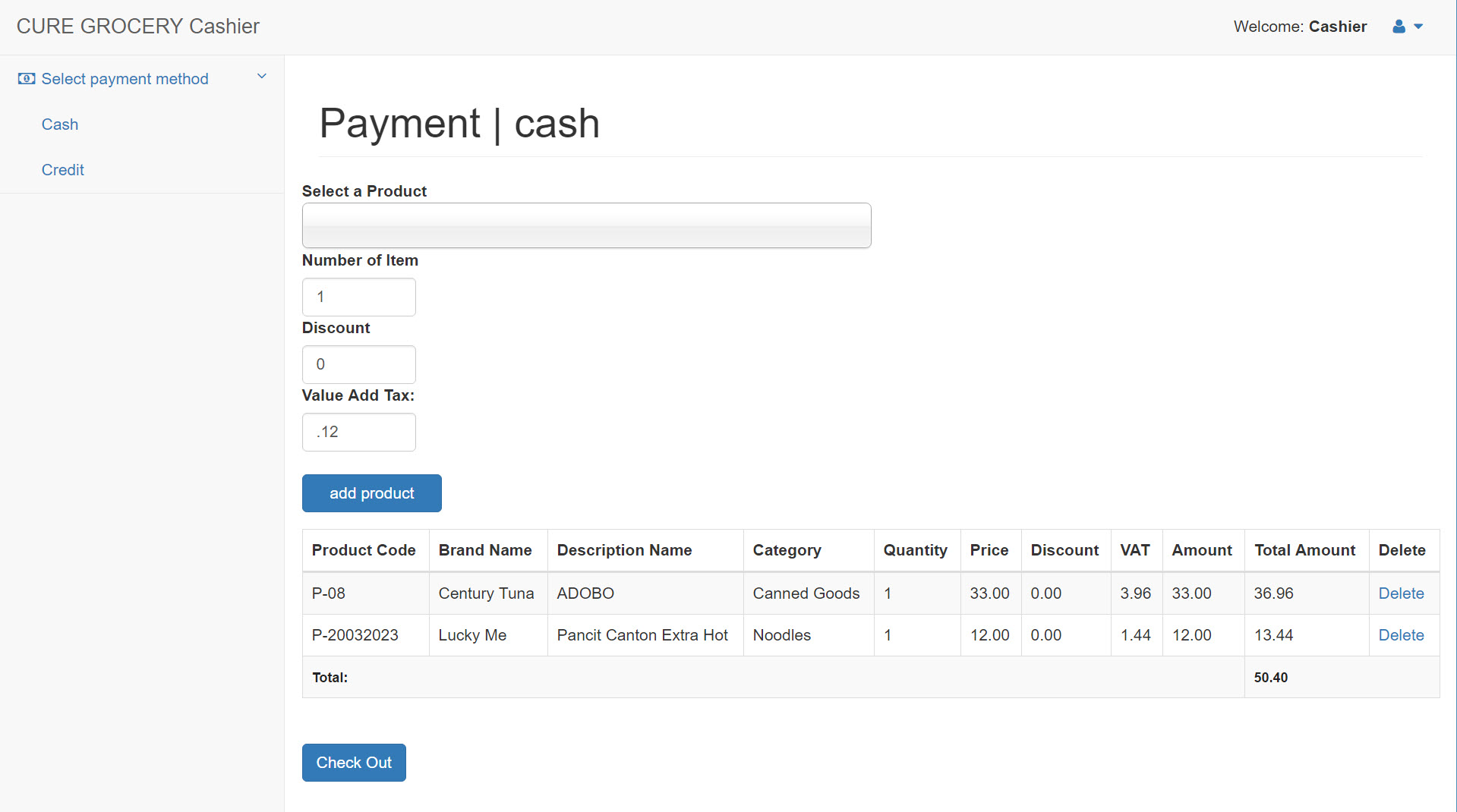
The CURE Grocery Sales and Inventory System will help the business track sales activity easily, inventory and to ensure that transactions are completed correctly. With the use of the system, retrieval process will speed up and be able to generate immediate sales and inventory report. The data are being stored in the system’s database. The admin is the only person who can add, edit and update products and customers while the cashier can only manipulate the collection payments of customers’ purchases.

By checking in the system, it will be easy to identify the number of available products, which products are few, and which is needed to be order. These major functions meet the objectives and expectations of the proponents likewise to the user of the CURE Grocery Store.
 The following are the modules included in this system:
Front End
- Point of Sale
Back End
Masterfiles:
- Product
- Customer
- Supplier
Transactions:
- Purchase Order
- Customer Ledger
Reports:
- Accounts Receivables Report
- Collection Report
- Sales Report
- Inventory Report
- List of Product Expired
- Report of Returned Products
- Customer Transaction Record
Charts:
- Graph by Category
- Graph For Cash and Credit
- Graph For Losses
- Monthly Sales Chart
- Yearly Sales Chart
Instructions
- Extract the files into you htdocs folder (if you’re using XAMPP).
- Create a database called “inventory” and import the file named “inventory.sql” under the db folder.
Account Info
Admin
user: admin
pass: admin123
Cashier
user: cashier
pass: 12345

LOGIN/REGISTER TO DOWNLOAD THE FREE SOURCECODES BELOW

Please don’t forget to give credit to original developer because I really worked hard to develop this project and please don’t forget to like and share it if you found it useful 🙂
For students or anyone else who needs program or source code for thesis writing or any Professional Software Development,Website Development,Mobile Apps Development at affordable cost.
Contact us at OR Comment in the Below Comment Section.
Email : bonal@bonalt.com
WhatsApp Us Here:+254714643906:
SUBSCRIBE TO OUR YOUTUBE CHANNEL BELOW TO WATCH MORE VIDEOS

What this Point of Sale & Inventory System does
This is a PHP and MySQL point-of-sale system built around a grocery store. It handles the two jobs a small shop cares about most: ringing up sales accurately and keeping the stock count honest. Every transaction is recorded, the database keeps the numbers straight, and the system can pull an up-to-date sales or inventory report on demand instead of someone tallying it by hand.
Key features
- Point-of-sale checkout for processing customer purchases and payments.
- Inventory tracking that shows what’s in stock, what’s running low, and what needs reordering.
- Instant sales and inventory reports pulled straight from the database.
- Two roles — an admin who manages products and customers, and a cashier who handles payments at checkout.
- Accurate transaction records so the sales and stock figures stay in sync.
Requirements
- PHP 7.x or newer with a web server — XAMPP, WAMP, or Laragon all work.
- MySQL or MariaDB for the database.
- A modern web browser.
How to install and run it
- Download the source code below and unzip it.
- Move the folder into your web root (
htdocson XAMPP). - In phpMyAdmin, create a database and import the included
.sqlfile. - Open the database connection file and set your database name, username, and password.
- Start Apache and MySQL, then open the project at
localhost.
Who it’s for
It’s a practical capstone or final-year project for IT and computer-science students, and a usable starting point for a grocery, mini-mart, or small retail owner who wants a simple POS-and-stock system they can adapt.
Frequently asked questions
What is it built with?
PHP with a MySQL database.
Is the source code free to download?
Yes. Log in or register with the form below to get the full source code at no cost.
What can the admin and cashier each do?
The admin adds and updates products and customers; the cashier processes payments for customer purchases at checkout.
Does it handle low-stock alerts?
Yes — it shows which products are available, which are running low, and which need to be reordered.
Related projects
- Point of Sale (POS) using PHP/MySQL
- Sales and Inventory System for Grocery Store
- Store Finder with Sales and Inventory System
- Inventory Management System